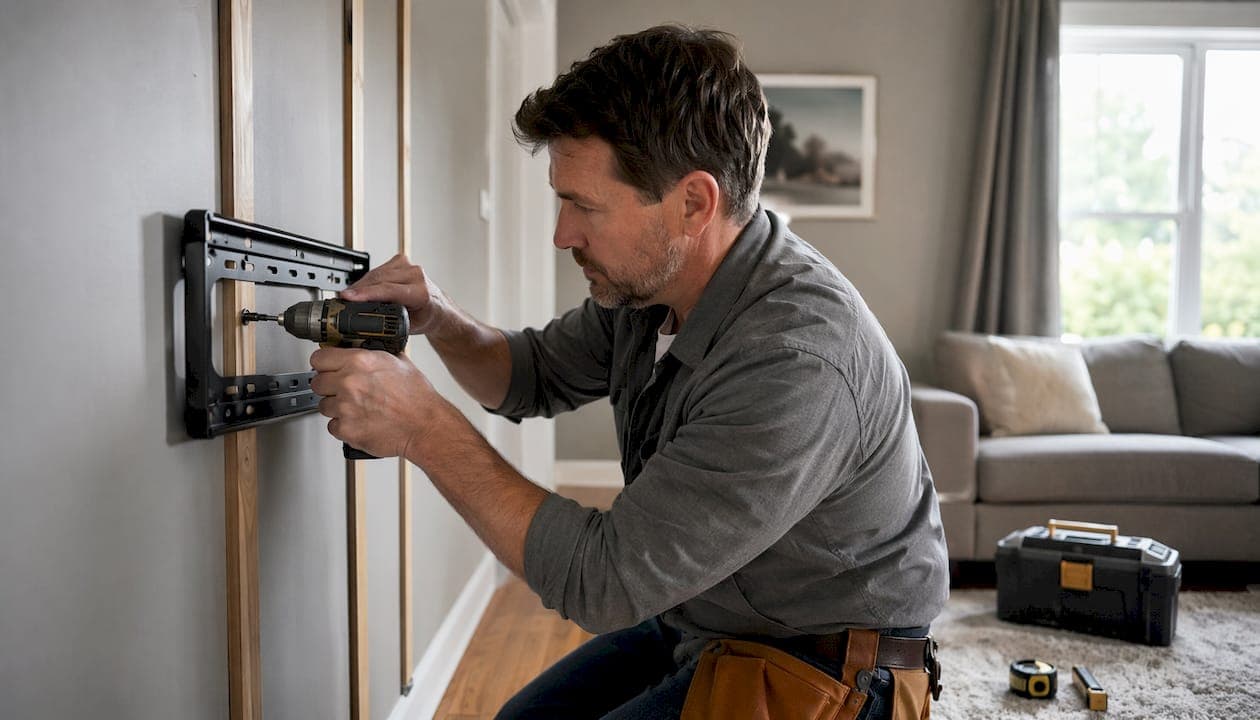
What is a media wall mount, and which type do you need?
A media wall mount is a bracket system that secures your TV and media components directly to the wall, freeing up floor space and creating a cleaner, more intentional entertainment setup. Choosing the right type upfront saves you from remounting later.
The five main types cover almost every home scenario:
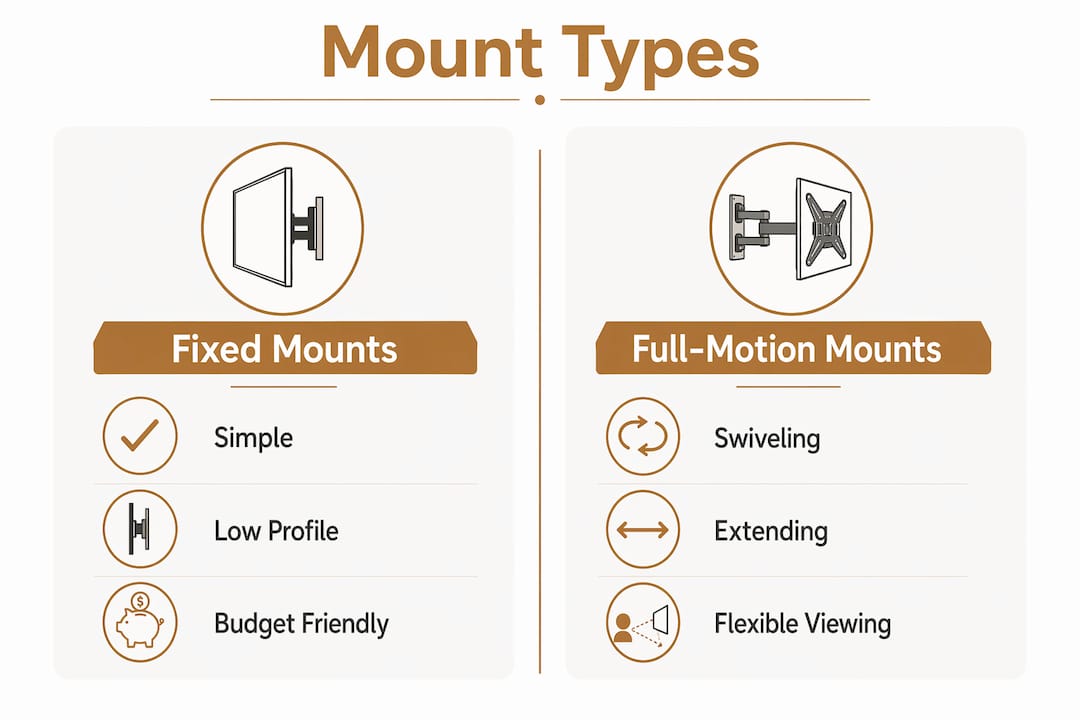
- Fixed mounts hold the TV flat against the wall with no movement. Best for rooms where seating faces the screen directly and glare is not an issue.
- Tilting mounts angle the screen downward to reduce reflections from overhead lighting without repositioning the whole bracket, which cuts reflections from overhead lighting without repositioning the whole bracket.
- Full-motion (articulating) mounts extend, swivel, and tilt freely. One For All's full-motion brackets rotate up to 180° horizontally, making them ideal for open-plan rooms or corner placements.
- Recessed in-wall media boxes sit flush inside the wall cavity, hiding streaming devices, routers, and power adapters completely out of sight.
- Component shelves mount directly to the wall and hold media players, soundbars, or gaming consoles below the TV without a separate furniture piece.
All five types rely on VESA compatibility, a standardized hole-pattern system measured in millimeters (such as 400x400 or 600x400) that determines whether a mount fits your specific TV model. Cable management channels are now common even on budget brackets.
How to install a TV wall bracket safely and correctly
Safe installation comes down to preparation. Rushing the measuring step causes most DIY mounting mistakes.
- Locate the studs. Use a stud finder to map the framing behind your drywall. Mark both edges of each stud with painter's tape.
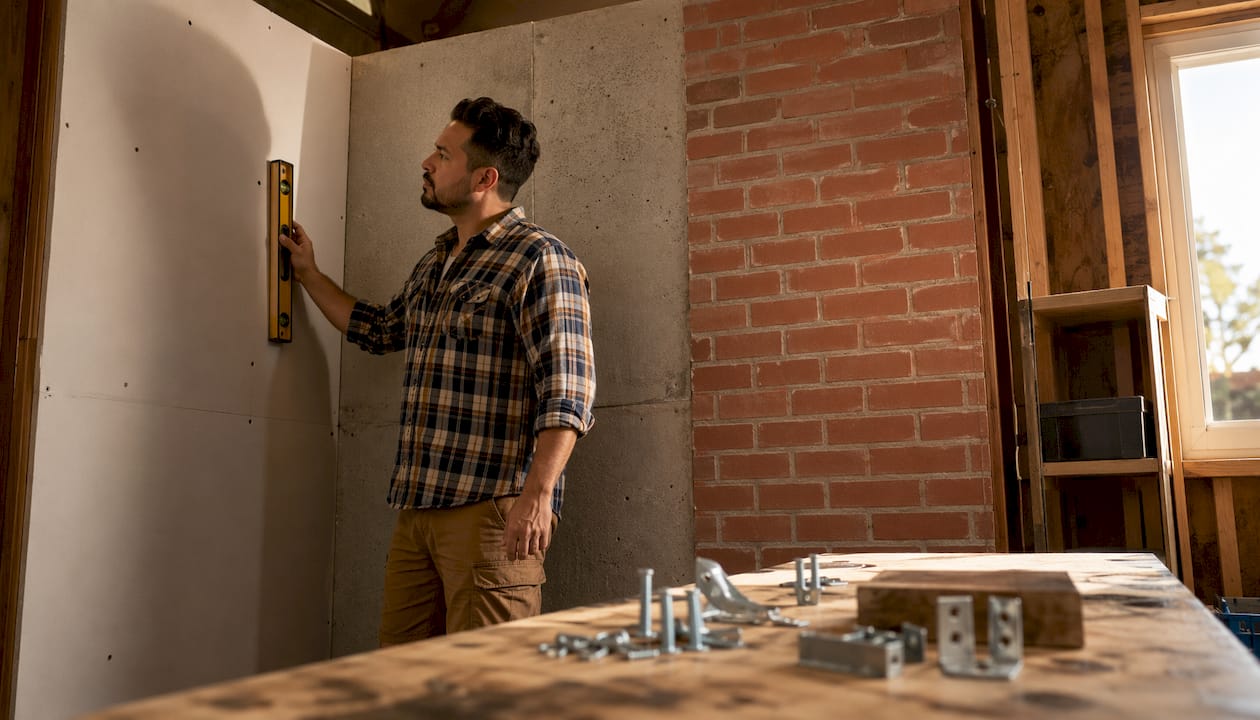
- Verify your wall type. Drywall over wood studs, concrete, and brick each require different anchors and drill bits. Confirm before buying hardware.
- Measure and mark. Calculate your ideal screen height (eye level when seated is typically 42"–48" from the floor to the center of the screen). Use a level to mark the mounting holes.
- Drill pilot holes. For wood studs, use a bit slightly narrower than your lag bolts. For concrete or brick, switch to a masonry bit and use appropriate wall plugs.
- Attach the wall plate. Secure the bracket plate to the studs or anchors. Pull on it firmly before hanging anything.
- Confirm VESA compatibility. Match the mount's hole pattern to your TV's rear mounting points. VESA compatibility and post-installation leveling adjustments are two details that most DIYers overlook and later regret.
- Attach the TV bracket arms. Thread the bolts through the TV's VESA holes and tighten evenly.
- Hang and level. Hook the TV onto the wall plate, then use the mount's built-in leveling adjustment to correct any tilt.
- Route cables before finishing. Feed HDMI, power, and ethernet cables through the wall or along a cable raceway before pushing the TV flush.
Pro Tip: Look for mounts with a Hook-and-Hang system — they let one person position a large TV on the wall plate without a second set of hands, reducing the risk of dropping the screen during installation.
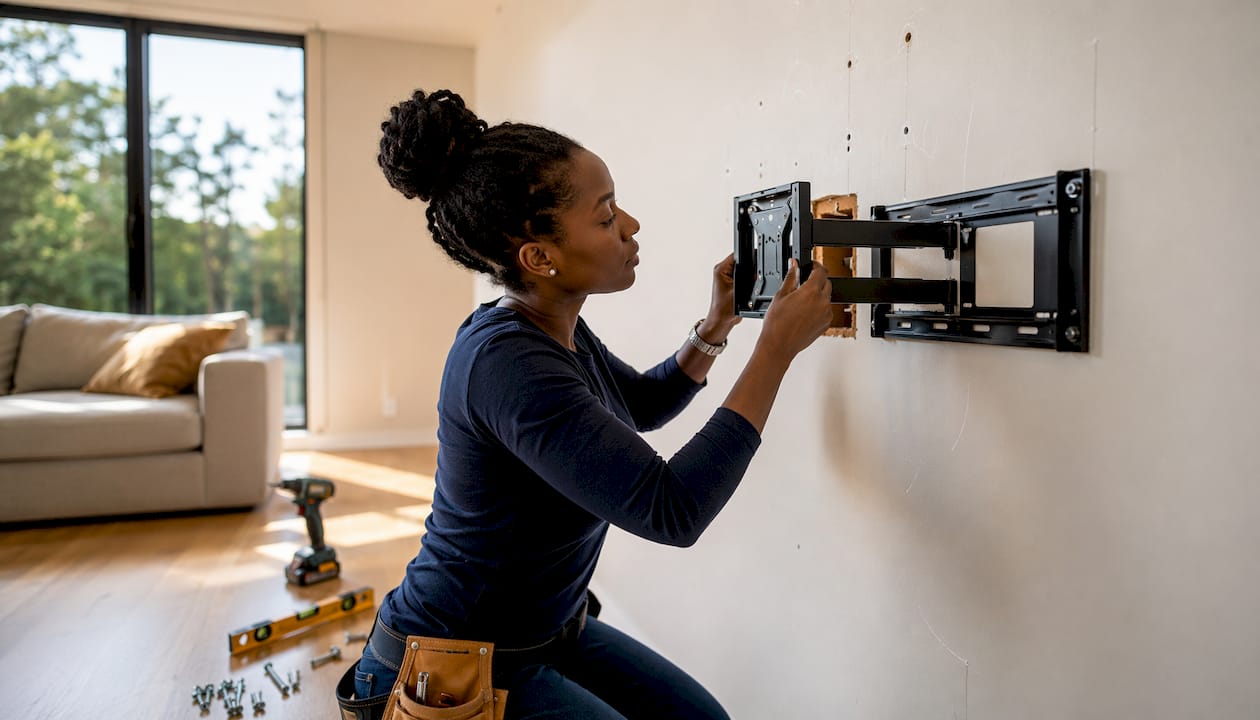
How to choose the right flat screen mount for your room
Experts recommend basing your mount choice on room geometry and viewing habits first, not on aesthetics. A beautiful full-motion arm is wasted in a bedroom where the TV faces a single fixed seating position.
Key selection criteria:
- Room layout. Single-angle rooms suit fixed or tilting mounts. Multi-seat or open-plan spaces benefit from full-motion brackets.
- Glare and lighting. If windows or recessed lights hit the screen, a tilting mount that angles 10°–15° downward solves the problem without repositioning furniture.
- Weight capacity. Always verify the mount's rated load against your TV's actual weight, not just its screen size. A 65" OLED can weigh significantly less than a 65" older LED model.
- VESA pattern. The hole spacing on your TV's back panel must match the mount's supported patterns exactly. VESA sizes vary by brand even at the same screen size.
- Safety certification. Higher-end mounts undergo TUV certification and are tested to three times their stated weight capacity, which matters most when you're hanging a premium OLED or QLED panel.
- Cable concealment. Mounts with integrated cable channels or a Cable Inlay System keep wiring hidden without a separate raceway.
- Device compatibility. Confirm the mount works with your TV brand and model, not just the screen size range printed on the box.
What wall type do you have, and can it hold your TV?
Wall material determines everything about anchor selection and long-term stability.
- Drywall over wood studs is the most common American home construction. Always anchor into the studs, not just the drywall. A single stud mount works for TVs up to about 50"; larger screens need dual-stud attachment.
- Concrete and brick require masonry anchors or expansion bolts. The holding strength is excellent once set, but drilling takes longer and demands the right bit.
- Metal stud framing (common in newer construction and condos) needs toggle bolts rated for the TV's weight. Standard wood-stud lag bolts will not grip metal studs reliably.
- Plasterboard over masonry combines both challenges. Anchor through the plaster and into the masonry behind it for a solid hold.
Proper installation means securing to wooden studs in drywall or using appropriate anchors for solid walls, and always verifying the mount's weight capacity against your TV model. Inspect the mount every six months: check that all bolts remain tight and that the wall plate shows no movement when you apply lateral pressure. For cable routing on concrete walls, surface-mounted raceways are cleaner than attempting to chase cables through masonry.
How to build a luxury DIY media wall that actually looks custom
A flat screen mount is just the starting point. The difference between a mounted TV and a luxury media wall comes down to what surrounds it.
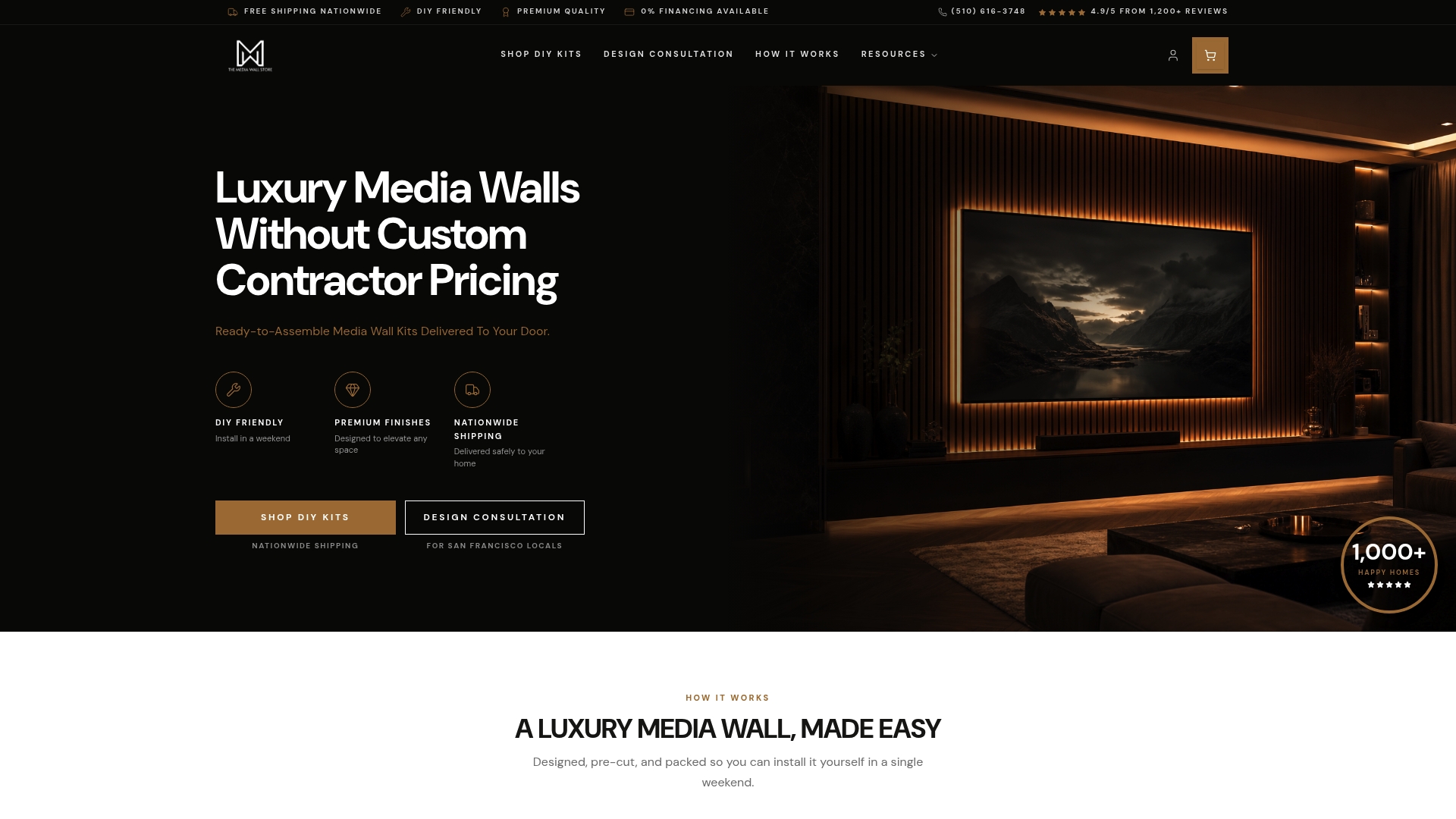
Themediawallstore's pre-cut, pre-labeled DIY kits integrate the TV mount into a complete wall system featuring floating cabinetry, LED accent lighting, and slat panels—all designed to install over a weekend without a contractor. Recessed in-wall media boxes hide streaming devices, routers, and power adapters completely behind the wall, and their Wi-Fi transparent plastic construction means your Roku, Apple TV, or mesh node maintains full signal strength even when enclosed.
Planning sequence matters more than most homeowners expect. Cable and power infrastructure must be roughed in before panels go up. Retrofitting power access after the wall is finished costs far more time than planning it correctly at the start.
Accessories that push a DIY build from good to genuinely impressive:
- LED and ambient lighting behind slat panels or along cabinet edges
- Custom cabinetry for concealed storage below the screen
- Acoustic slat panels that improve room acoustics while adding visual texture
- Integrated power outlets inside the wall cavity to eliminate visible cords entirely
For homeowners who want the look of a luxury custom media wall without the cost of a full contractor build, Themediawallstore's kits deliver that result at a fraction of the price. Browse the full range of DIY media wall kits to find a design that fits your space.
Key Takeaways
The most effective media wall mount setup pairs the right bracket type with your room geometry, wall material, and a pre-planned cable management strategy before any drilling begins.
| Point | Details |
|---|---|
| Match mount type to room layout | Fixed mounts suit single-angle rooms; full-motion brackets work best in open-plan or corner setups. |
| Verify VESA and weight capacity | Confirm the mount's hole pattern and load rating against your specific TV model, not just screen size. |
| Anchor into studs or masonry | Drywall alone cannot support a TV; secure into wood studs or use rated anchors for concrete and metal framing. |
| Plan cables before mounting | Route power and data cables behind the wall before panels go up to avoid costly retrofitting later. |
| Safety certification matters | TUV-certified mounts are tested to three times their stated weight capacity, critical for expensive OLED and QLED panels. |
FAQ
What is the difference between a fixed and a full-motion mount?
A fixed mount holds the TV flat against the wall with no adjustability, while a full-motion mount extends and swivels up to 180°, letting you aim the screen at any seat in the room.
How do I know if my wall can support a TV mount?
Anchor into wood studs for drywall installations, or use masonry anchors rated for your TV's weight on concrete and brick walls. Metal stud framing requires toggle bolts, not standard lag screws.
What does VESA compatibility mean?
VESA is a standardized hole-pattern system on the back of your TV, measured in millimeters (for example, 400x400). Your mount must support that exact pattern to attach correctly.
Do I need a professional to install a media wall mount?
Most homeowners can install a standard TV wall bracket with a stud finder, drill, and level. Systems with a Hook-and-Hang mechanism make solo installation of large TVs significantly safer.
How do I hide cables with a wall mount?
The cleanest solution is an in-wall cable kit or a recessed media box that routes power and HDMI cables through the wall cavity, leaving no visible wiring on the surface.