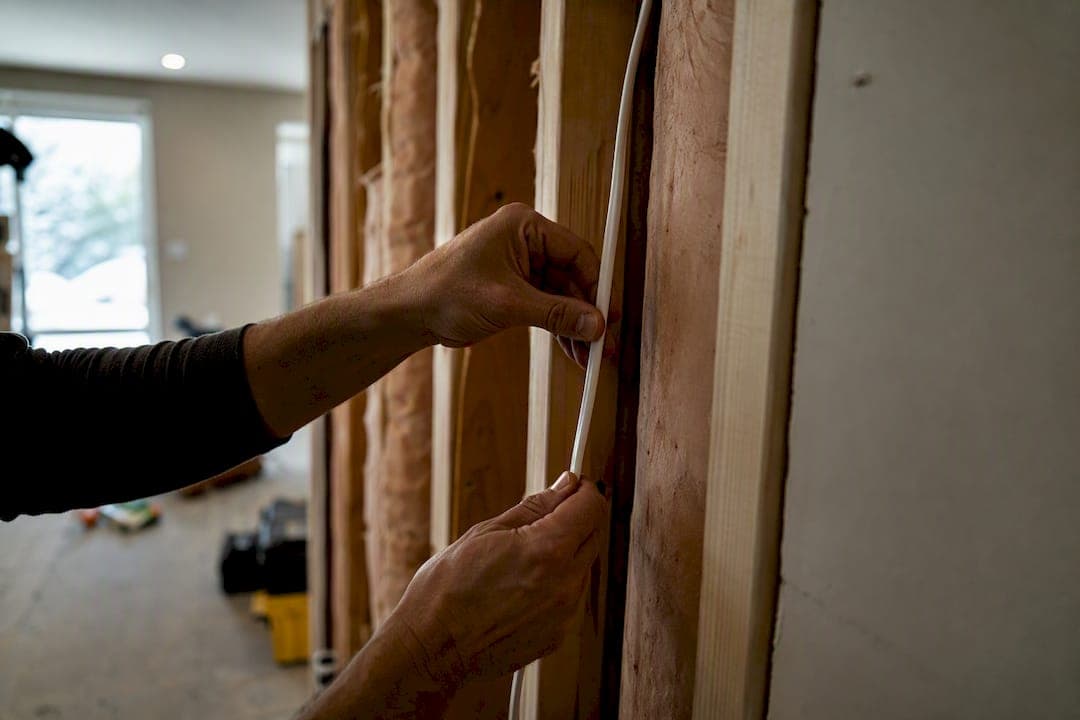
In-wall rated cable, the CL2, CL3, and CM family of low-voltage cables, is legal and safe for residential walls when it's installed according to the National Electrical Code. What's not legal or safe: running a standard TV power cord or an extension cord inside a wall cavity to hide it. That single distinction trips up more DIYers than anything else on this topic. If you're shopping for HDMI, Ethernet, or speaker cable to bury in drywall, look for a CL2, CL3, CM, CMP, or CMR marking plus a UL listing on the jacket or datasheet. If you're trying to hide a power cord, the fix isn't a better cable. It's an electrician-installed outlet or a listed in-wall power relocation kit.
Key Takeaways
In-wall rated cable (CL2, CL3, CM) is safe and NEC-compliant for signal wiring, but standard power cords never belong inside a residential wall cavity.
| Point | Details |
|---|---|
| Check the rating first | Look for CL2, CL3, CM, CMR, or CMP plus a UL listing before buying any spool or cable. |
| Never bury power cords | Standard power and extension cords aren't rated for wall cavities; use an outlet or listed relocation kit instead. |
| Match conductor to use | Solid conductor Ethernet for punch-down jacks, active HDMI only for long runs, and check directionality first. |
| Test before closing the wall | Power on and verify signal and speed while drywall is still open, not after. |
| Consider a kit-based route | Themediawallstore's pre-cut kits hide wiring in the panel structure without opening the wall for every run. |
Table of Contents
- What "In-Wall Rated Cable" Actually Means Under the NEC
- Which Cables Come in In-Wall Rated Versions
- Why You Can't Run a Power Cord Inside a Wall
- How to Actually Route the Cable Once You've Picked It
- Six Checks to Run Before You Buy the Cable
- When to DIY and When to Call an Electrician
- A Cleaner Alternative if You'd Rather Skip the Wall Work Entirely
- FAQ
What "In-Wall Rated Cable" Actually Means Under the NEC
The National Electrical Code sorts low-voltage cable into classes based on how well the jacket resists flame and how much smoke it produces if it burns. CL2 and CL3 cover Class 2 and Class 3 power-limited circuits, the category most speaker wire and in-wall HDMI cable falls under. CM covers communications cable like Ethernet, with CMR (riser) and CMP (plenum) as tougher variants for vertical shafts and HVAC plenums. For a single-family home, you rarely need riser or plenum grade. Standard CL2/CL3 or CM cable is fine for wall cavities between floors of the same living unit.
There's a practical substitution rule worth knowing: a higher-rated cable can always replace a lower-rated one, but not the reverse. Blue Jeans Cable's breakdown of NEC substitution rules lays out the hierarchy clearly, and it's the reference installers actually use when a spool doesn't have the exact rating a job calls for.
For a typical residential wall run, accept any of these markings:
- CL2 or CL3 (speaker wire, in-wall HDMI)
- CM, CMR, or CMP (Ethernet and other communications cable)
- A visible UL listing mark alongside the class rating
If a spool or cable jacket shows none of these, don't put it behind drywall.
Which Cables Come in In-Wall Rated Versions
HDMI, Ethernet, and speaker wire all ship in in-wall rated versions from major U.S. suppliers, and the differences between brands mostly come down to conductor type and cable construction rather than the rating itself.
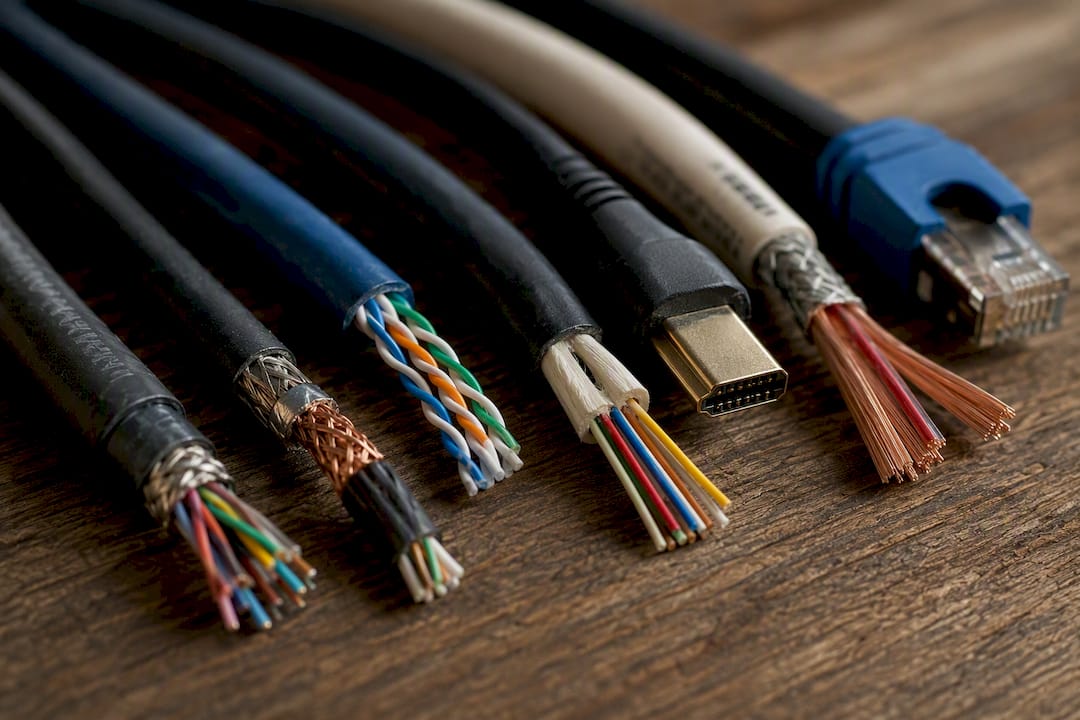
HDMI is where things get interesting. Cable Matters sells a CL2-rated active fiber HDMI cable built for 8K signals over long in-wall runs, and it's a good example of a category most homeowners don't know exists: active HDMI. Active cables contain powered chipsets that boost the signal, which is what lets them run 25 feet or more without dropping frames. The catch is that they're often directional. Plug the source end into your display and the display end into your source, and the picture simply won't work.
Ethernet for in-wall runs should be solid conductor, not stranded. Voltive's Cat6 in-wall CM cable uses solid bare copper specifically because punch-down jacks and wall plates are designed to bite into a solid core. Stranded cable is for flexible patch cords, not permanent wall runs.
Speaker wire in CL2 and CL3 versions is widely available with UL markings, and this is the one category where "in-wall rated" and "regular" speaker wire look almost identical until you check the jacket print.
A quick statistic worth internalizing: active HDMI cables are typically recommended once a run exceeds certain longer distances, since that's where standard passive copper HDMI starts losing signal integrity for 4K and 8K content.
Monoprice and StarTech both sell CL2 in-wall HDMI at various lengths, and Leviton rounds out the category with CL2 in-wall HDMI plus hardware to secure it. Check the datasheet on any of these before buying, not just the box art.
Why You Can't Run a Power Cord Inside a Wall
Household power cords, lamp cords, and extension cords are not permitted inside residential wall cavities, full stop. This isn't a gray area of the code. Standard cords use jacket materials rated for open-air use, not for the fire-and-smoke environment the NEC assumes exists inside a wall. If that cord's insulation overheats or shorts behind drywall, you've created a hidden ignition source with no way to see or smell it until it's already a problem.
The fix isn't a tougher power cord. It's one of these:
- Have a licensed electrician install a proper in-wall outlet behind the TV location.
- Use a listed in-wall power relocation kit, which routes power through a code-compliant inlet and outlet pair rather than burying a cord in the cavity.
- Ask your local building department or an electrician when a job description sounds borderline. A five-minute phone call beats an inspection failure or, worse, a fire risk.
Low-voltage signal cable and AC power are two completely different problems with two completely different rulebooks. Keep that line clear and most other decisions get easier.
How to Actually Route the Cable Once You've Picked It
Buying the right cable for in-wall installations is half the job. Getting it into the wall cleanly is the other half, and this is where a lot of otherwise-careful DIYers get sloppy.
- Plan the route first. Sketch where the cable enters at the TV location and where it exits at the equipment shelf or outlet, and check for insulation, fire blocking, or ductwork in between.
- Respect the bend radius. Sharp kinks in HDMI or Ethernet cable degrade the signal permanently, even if the cable still looks fine from the outside.
- Use low-voltage brush plates or in-wall HDMI keystone boxes at both ends so the cable enters and exits through a finished opening instead of a raw hole.
- Add cable-locking hardware for HDMI. Leviton's cable lock kit exists because heavy in-wall HDMI cables put constant strain on the port, and a loose connection years later is a lot harder to diagnose than it is to prevent.
- Label both ends before you close the wall. Future you, or whoever services the system, will thank you.
- Test everything with the wall still open. Power on the display, confirm the signal, and check network speed if it's Ethernet, before a single screw goes into the drywall.
Pro Tip: Dry-fit the entire cable run with the drywall still open and the equipment temporarily connected. It takes twenty extra minutes and it's the difference between a weekend project and tearing open a finished wall a second time.
If your project also involves patching or extending drywall openings, a professional installer like Top Tier Painting & Drywall can finish the wall cleanly once the cable work is done.
Six Checks to Run Before You Buy the Cable
Before you add anything to your cart, confirm these six things on the product page or the spool label:
- Rating marking, CL2, CL3, CM, CMR, or CMP, printed on the jacket or listed on the datasheet.
- UL listing, a separate mark from the class rating that confirms independent safety testing.
- Solid conductor construction for Ethernet, since stranded cable won't hold up in a punch-down jack.
- Active vs. passive for HDMI, and whether the cable is directional if it's active.
- Jacket material, with low-smoke options worth the small upcharge in tighter or less-ventilated wall cavities.
- Return policy, because measuring a wall run wrong happens to everyone at least once.
When to DIY and When to Call an Electrician
Running CL2 or CM cable, terminating Ethernet jacks, and mounting wall plates are all reasonable DIY tasks for a homeowner with basic tools and patience. Moving AC power behind a wall, fishing cable through tight or insulated cavities, and anything requiring a permit belong to a licensed electrician. Themediawallstore has walked enough customers through this line to know where confidence turns into risk, and it's almost always at the outlet, not the signal cable.
— Jake
A Cleaner Alternative if You'd Rather Skip the Wall Work Entirely
If the idea of fishing cable through drywall, checking NEC ratings, and scheduling an electrician sounds like more than you want to take on, there's a different way to get the same hidden-wire look. Themediawallstore builds pre-cut, pre-labeled media wall kits with integrated hidden wire management already built into the panel design, so your cables route behind floating cabinetry and slat accent panels instead of through the wall cavity itself.

That's not a substitute for relocating AC power when a project genuinely requires it. It's a way to get a finished, high-end look over a weekend without opening drywall for every cable run. The kits ship with everything labeled and pre-cut, which is the same weekend-install promise whether you're adding a fireplace surround or a full slat-panel media wall. If you're ready to see what fits your space, browse the current kit lineup or check out the acoustic slat wall panel in red walnut for a sense of scale and finish before you commit.
FAQ
Are There In-Wall Rated Extension Cords?
No. Extension cords and standard power cords are not manufactured or rated for concealment inside residential wall cavities under the NEC; use an in-wall power relocation kit or an electrician-installed outlet instead.
What Is the Internet Cable Called That Goes Into the Wall?
It's CM-rated Ethernet cable, usually Cat5e or Cat6, with a solid copper conductor designed for punch-down termination at wall jacks.
Are TV Power Cords In-Wall Rated?
No. A TV's stock power cord is not rated for in-wall installation, even though its HDMI or speaker cable connections might be; power always needs a separate, code-compliant solution.
What Type of Conduit Is Used for Inside Wall Wiring?
Low-voltage in-wall runs often don't require conduit at all if the cable itself carries a CL2, CL3, or CM rating, though some jurisdictions call for small raceways or conduit in specific situations, so check with your local building department.
Can I Use In-Wall Rated Cable for a DIY Media Wall Project?
Yes. CL2 or CM-rated HDMI, Ethernet, and speaker cable are all appropriate for a DIY media wall, and pairing them with a pre-built kit like the ones from Themediawallstore keeps the wiring hidden without extensive wall cutting.